
Better Plex music
on Apple TV
Browse your libraries, search, queue tracks, and create playlists while the music plays.
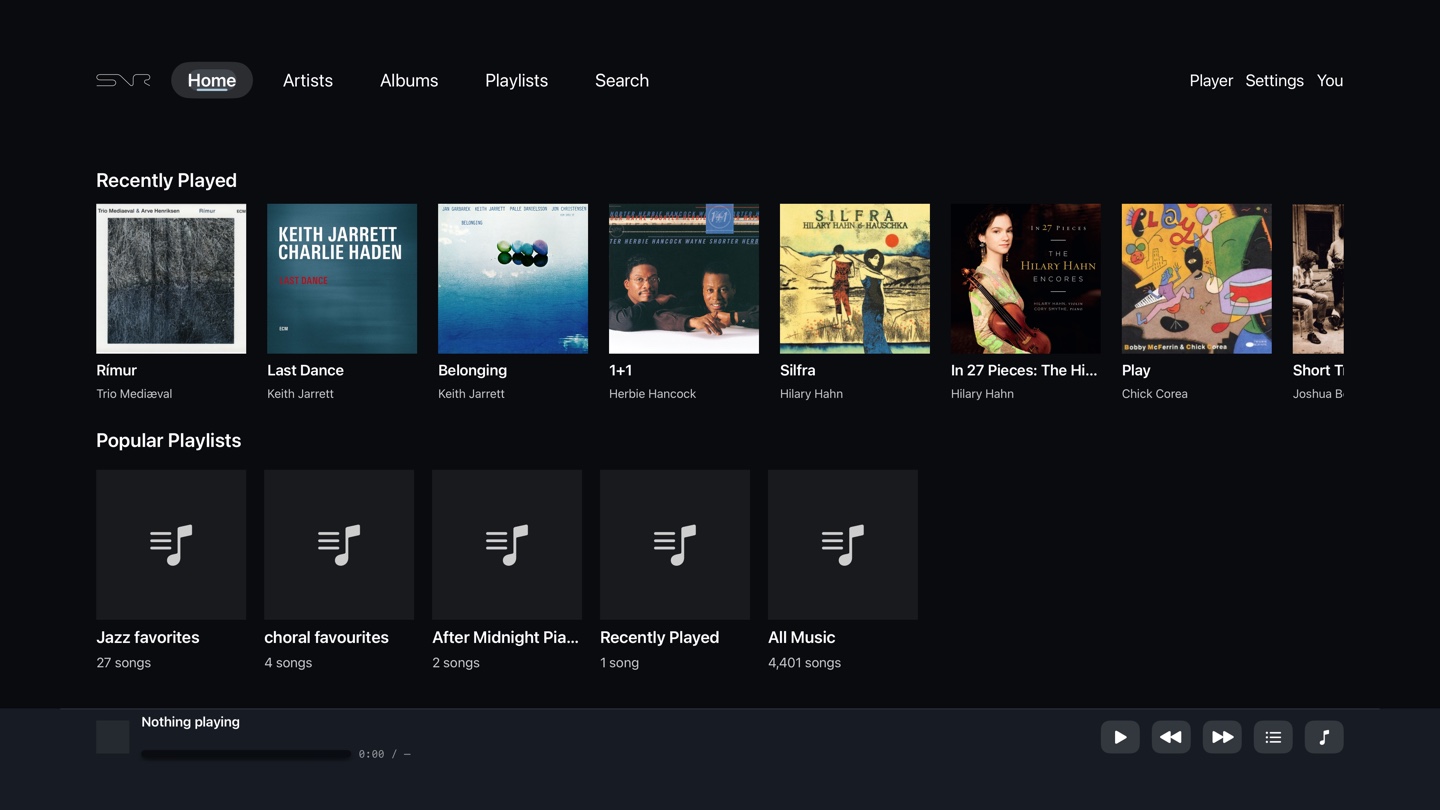
Keep listening while you browse.
Build a queue, find the next album, or pull up a playlist without interrupting what’s playing.
Reorder upcoming tracks, restore your previous queue, and rediscover your favourites in playlists grouped by genre.
Explore SNR features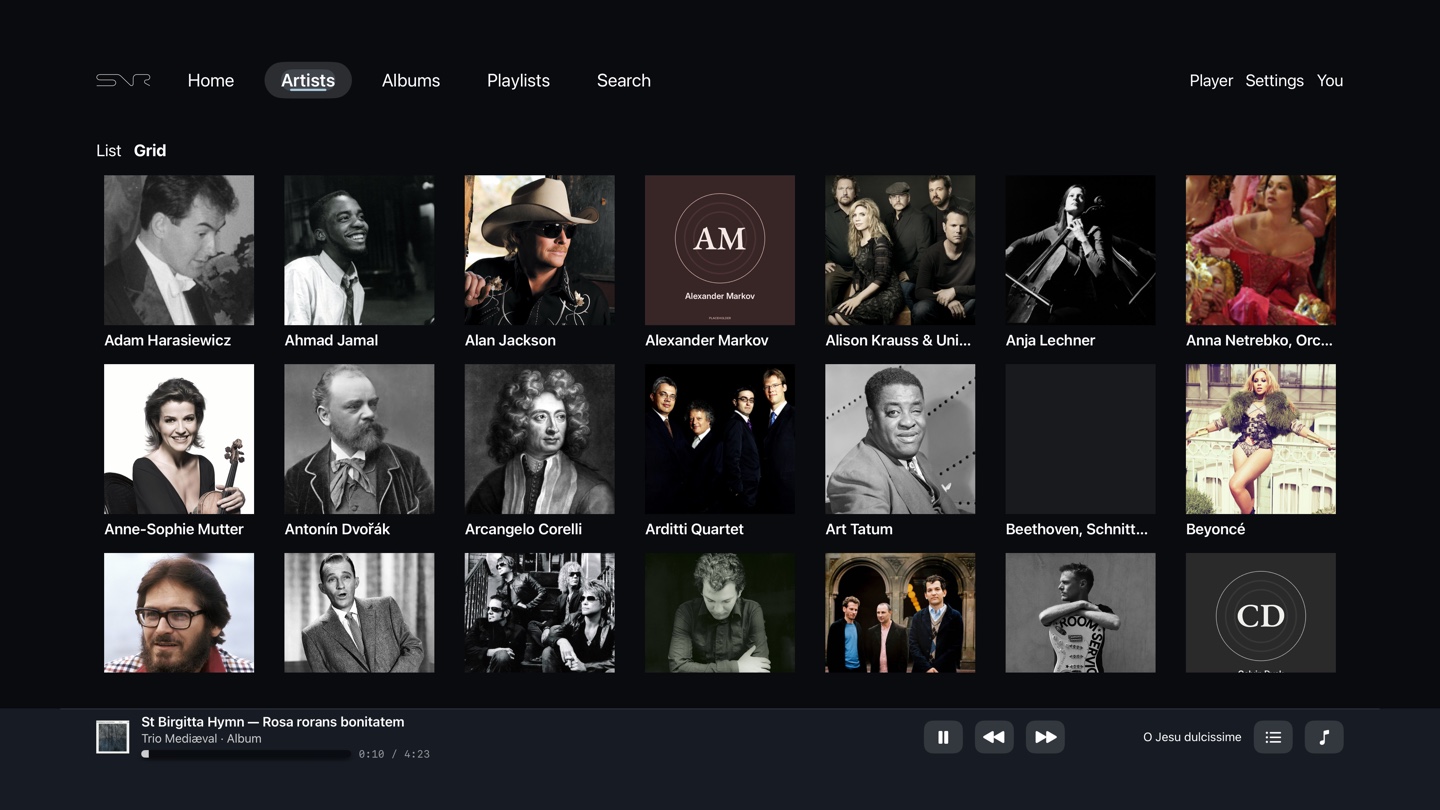
App Store availability
SNR is coming soon to the App Store for Apple TV.
Connect your library
You’ll need Apple TV running tvOS 18 or later, a Plex account, and access to a Plex Media Server with a music library.
- Open SNR on Apple TV and choose Sign in with Plex.
- Enter the code at plex.tv/link on your phone or computer.
- Choose your Plex server and music library.
Common questions
What is SNR?
SNR (short for signal-to-noise ratio) is an independent Apple TV music player for your Plex library.
How do I access the mini player?
While browsing, quickly press the centre of the Apple TV remote’s clickpad twice. The double press moves focus to the mini player so you can use its playback controls.
If I play a track while I have a queue, do I lose my queue?
Playing a track from your library replaces the active queue, and SNR keeps one previous queue. Open the Queue panel and choose Restore Previous Queue to bring it back, paused where you left off. To keep your current queue and add the track, choose Play Next or Add to Queue.
Can I recover my favourites and queues?
Optional iCloud backup can restore previously synced favourites and queues. Use the same iCloud account, Plex server, music library, and listener.